
Read Activity and history
Activity (⌘Y) shows listening totals and a searchable history.
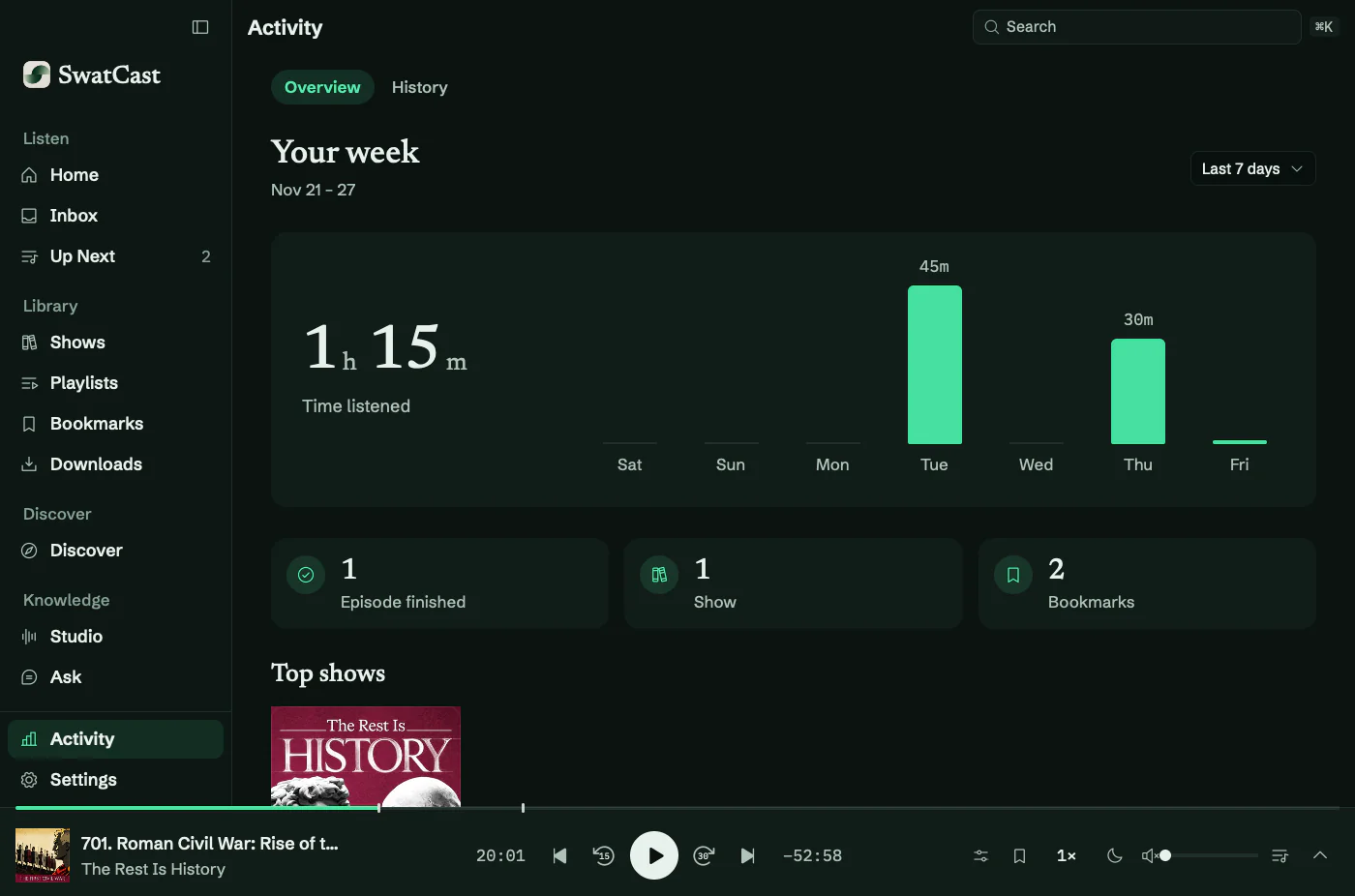
Overview
Section titled “Overview”Pick a period at the top right: Last 7 days, Last 30 days, Last year, or All time. Everything on the page follows it:
- Time listened, beside a chart of that time. Hover a bar for its date range. Last year covers 365 calendar days with a bar per month; longer histories use monthly or grouped yearly bars. For the first three periods, a line compares the time with the same length of time just before, once that earlier time was recorded too.
- Episodes finished, Shows you listened to (including ones you played without following), and Bookmarks you saved.
- Time saved by Silence Skip, unless you hide it. Gentle may save nothing on a tightly edited show. The total measures shortened pauses, not removed ads.
- Top shows, ranked by time listened. Select one to open it.
- Recent bookmarks, with the note or the words spoken there. Select the time to play from that moment, or All bookmarks to see the rest.
History
Section titled “History”Search episodes you heard, grouped by day. Remove an entry or clear the list without deleting episodes, bookmarks, or shows.
History and totals stay on your Mac. See Privacy.