
Watch downloads
Downloads (⌘7) shows active, waiting, failed, and finished downloads, along with progress and disk use.
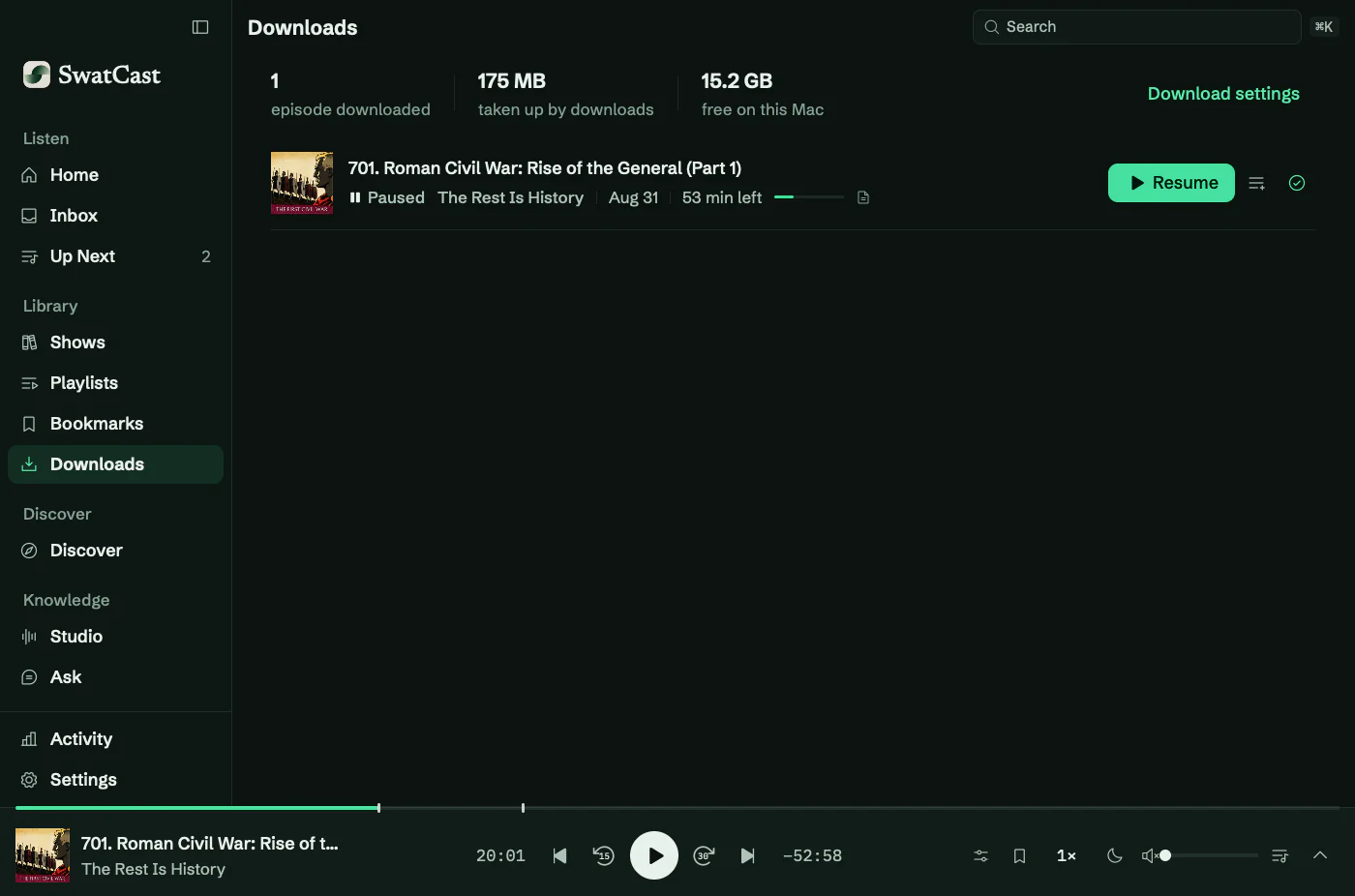
Start or resume
Section titled “Start or resume”Right-click an episode and choose Download, or use automatic download rules.
A failed row keeps the episode’s name and offers Retry and Dismiss. Retry resumes the partial file when the server confirms the audio is unchanged. Dismiss clears the row and keeps the partial file for a later download. Cancel on a running download discards its partial file. A partial file can resume after quitting: download the episode again.
Manage finished files
Section titled “Manage finished files”- Reveal in Finder: locate the audio.
- Remove Download: delete the downloaded copy while keeping the episode.
- Keep Downloaded: protect the copy from automatic cleanup.
The player uses an existing download before streaming. Missing files are marked so you can download them again.
Transcribing an episode that isn’t downloaded downloads it, and keeps that file as an automatic download so its transcript matches the audio you play.
Storage cleanup protects playing and in-progress episodes, Up Next, unplayed manual downloads, kept files, and imported audio. See download rules for the full policy.
For failures, see download troubleshooting.