
Change appearance
Open Settings → Appearance to choose a theme and layout.
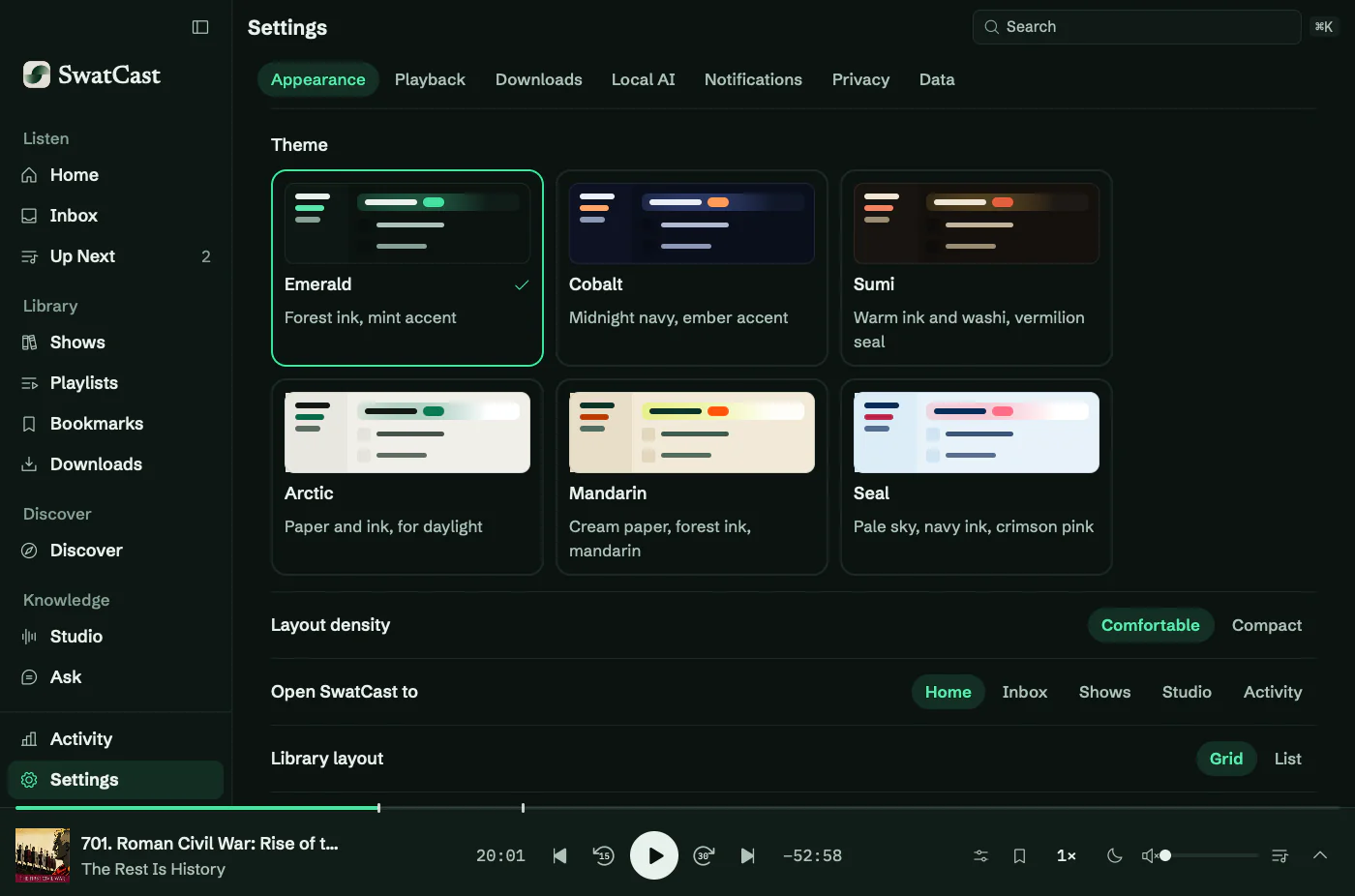
Themes
Section titled “Themes”| Dark themes | Light themes |
|---|---|
| Emerald | Arctic |
| Cobalt | Mandarin |
| Sumi | Seal |
Select a card to apply its theme immediately.
Layout
Section titled “Layout”- Layout density: Comfortable or Compact. Changes row spacing, artwork, and the player, not text size.
- Open SwatCast to: Home, Inbox, Shows, Studio, or Activity.
- Library layout: Grid or List.
- Start with the sidebar hidden and Hide the sidebar in narrow windows: control sidebar visibility. In a narrow window, Show sidebar in the toolbar still shows it. It hides again by itself once the window has been wide and is narrow again.
- Show play counts in the library: show or hide counts.
SwatCast follows Reduce motion in macOS System Settings → Accessibility → Display. With it on, Now Playing opens without sliding up and the working marks stand still. Playback and sleep-timer fades are unchanged. Very small windows remain a development testing gap.