
Set download rules
Open Settings → Downloads for automatic downloads, cleanup, and disk limits.
Automatic downloads
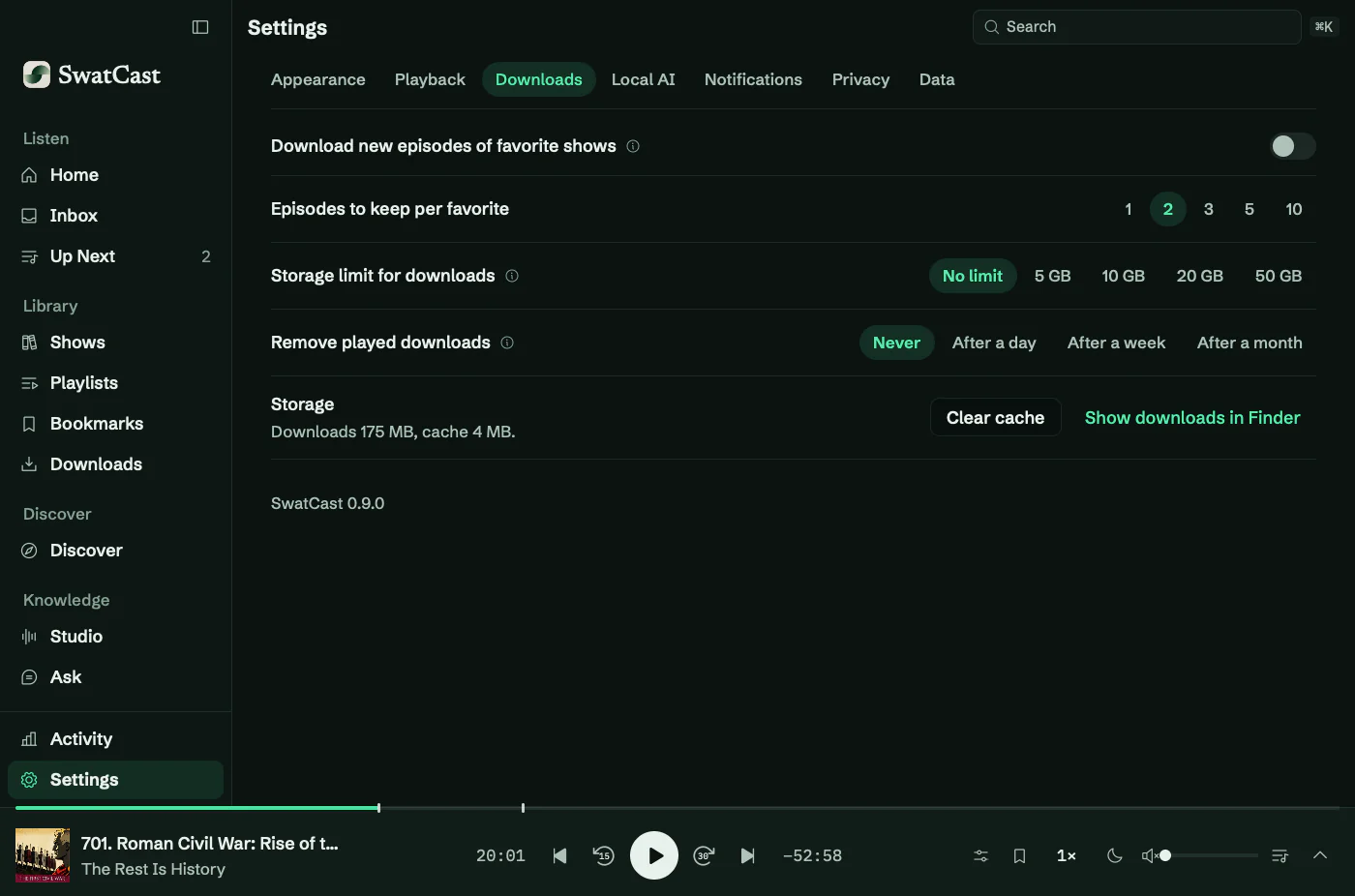
Section titled “Automatic downloads”Enable Download new episodes of favorite shows and choose Episodes to keep per favorite: 1, 2, 3, 5, or 10. The rule keeps the newest unplayed episodes and can use any connection.
Show Preferences can override a show’s count, including Off.
Storage limit
Section titled “Storage limit”Choose No limit, 5 GB, 10 GB, 20 GB, or 50 GB. Over budget, cleanup removes the oldest played downloads first, then unplayed automatic downloads.
Transcribing an episode that isn’t downloaded keeps its audio as an automatic download, so Transcribe all in Studio can add many files. Under a storage limit they’re removed like other automatic downloads, and Remove played downloads removes a played one right away.
It protects:
- The playing episode and episodes in progress.
- Episodes in Up Next.
- Unplayed downloads you started manually.
- Anything marked Keep Downloaded.
- Imported audio.
If protected files prevent cleanup, SwatCast reports it. Remove files manually or raise the limit. Only SwatCast’s downloads folder is cleaned.
Played files and cache
Section titled “Played files and cache”Remove played downloads offers Never, After a day, After a week, or After a month. Shows can override the interval.
Storage lists disk use. Clear cache removes artwork; covers load again as needed. Show downloads in Finder opens the audio folder.