
Use chapters
Chapters appear when the publisher or audio file supplies them. The app labels their source.
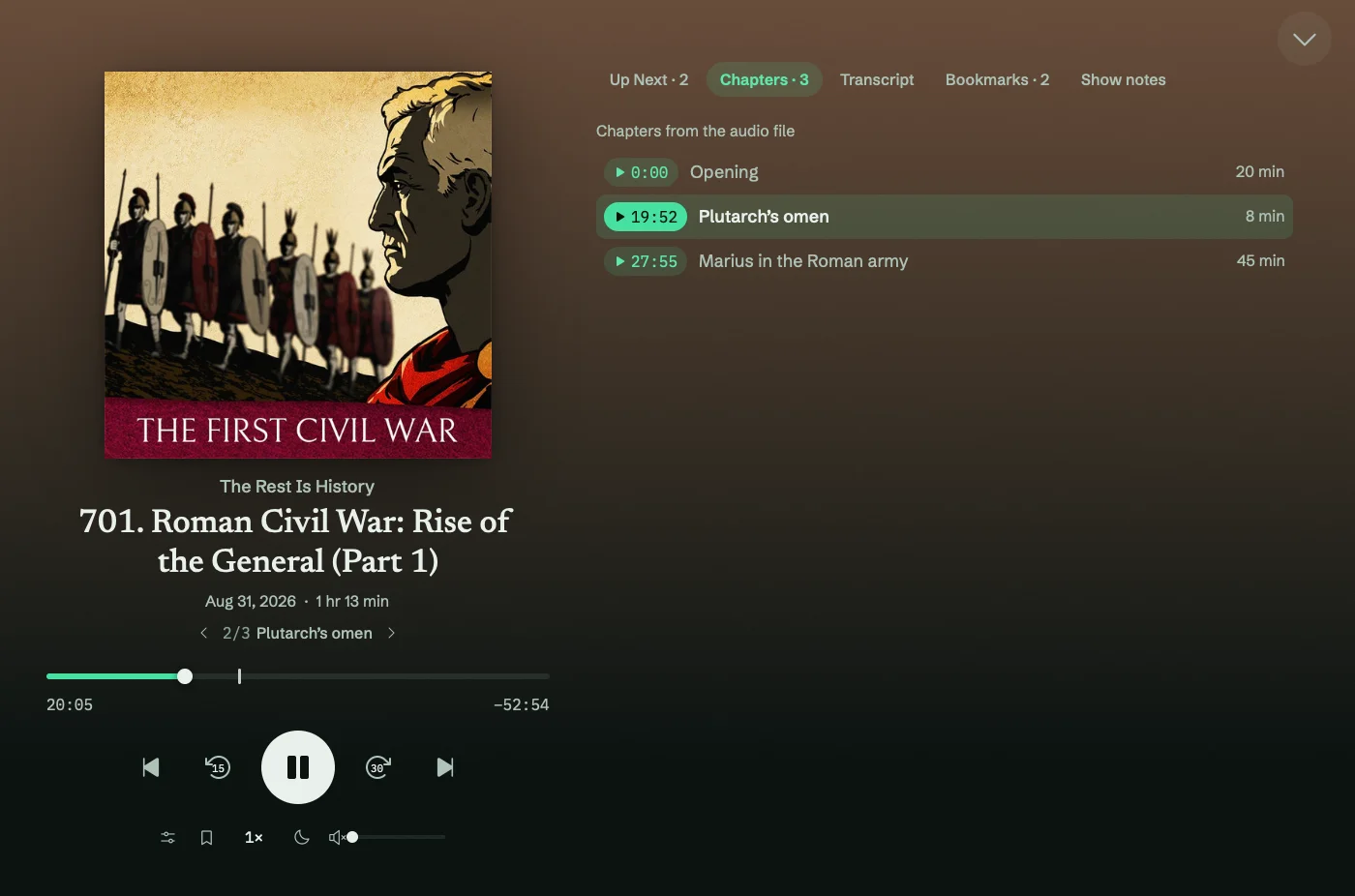
Jump between chapters
Section titled “Jump between chapters”- Open Now Playing → Chapters and select one.
- Use the previous/next controls by the chapter name.
- Press ⌥⌘← or ⌥⌘→.
- Select a chapter on the episode page.
The scrubber marks chapter boundaries and shows titles on hover. The menu bar player also offers Next Chapter.
Supported sources
Section titled “Supported sources”SwatCast reads Podcasting 2.0 JSON, Podlove Simple Chapters, MP3 ID3 chapter frames, and Nero chapter lists in MP4/M4A/M4B. A streamed MP3 supplies chapters from its opening tag.
QuickTime chapter tracks in M4B are not supported. See Audio formats.
Sleep at a boundary
Section titled “Sleep at a boundary”The sleep timer offers End of chapter only when chapters are available. See Sleep timer.