
Browse Shows
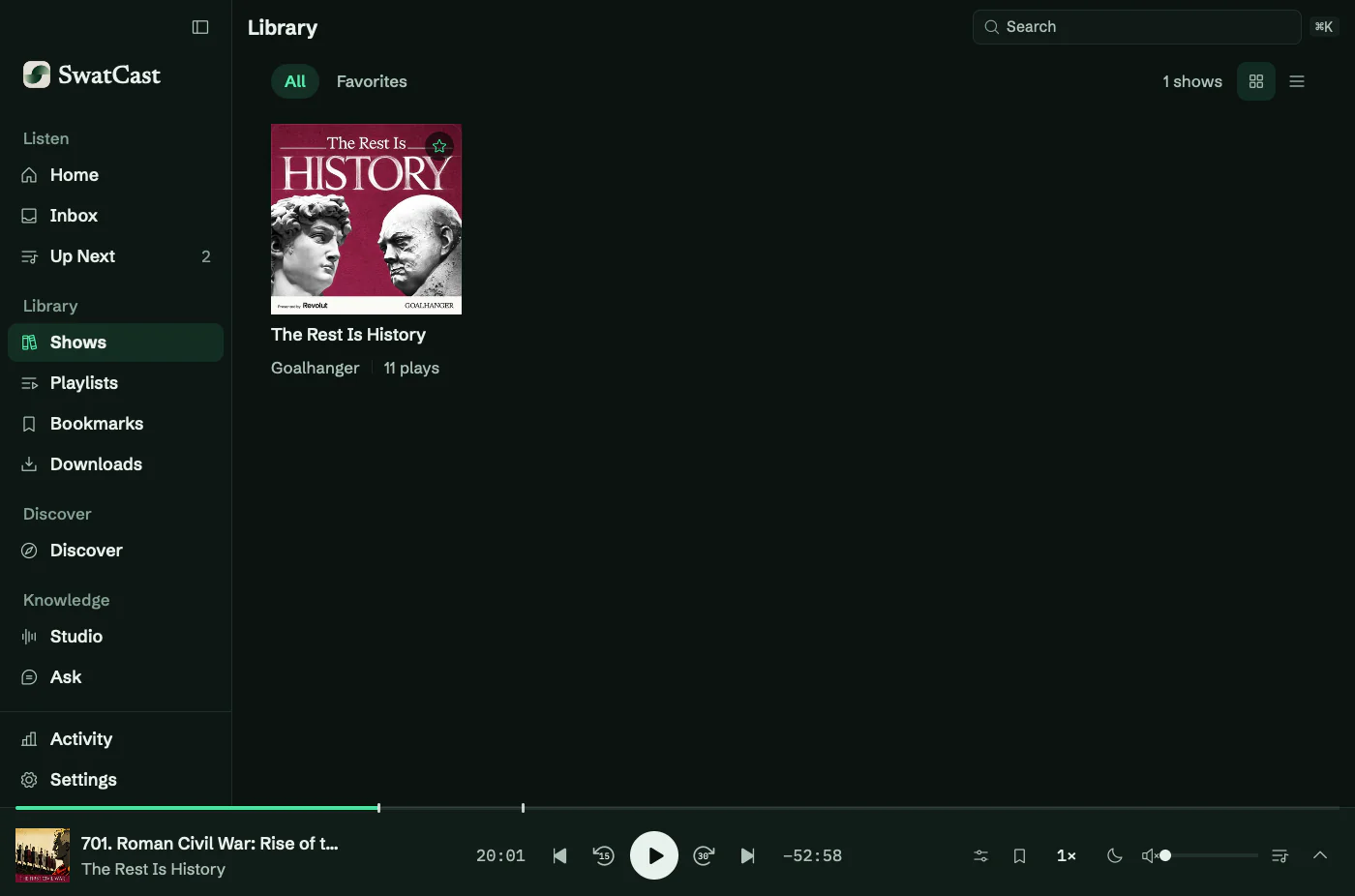
Shows (⌘4) holds followed podcasts and imported audio collections. Choose Grid or List, then All or Favorites.
Browse a show
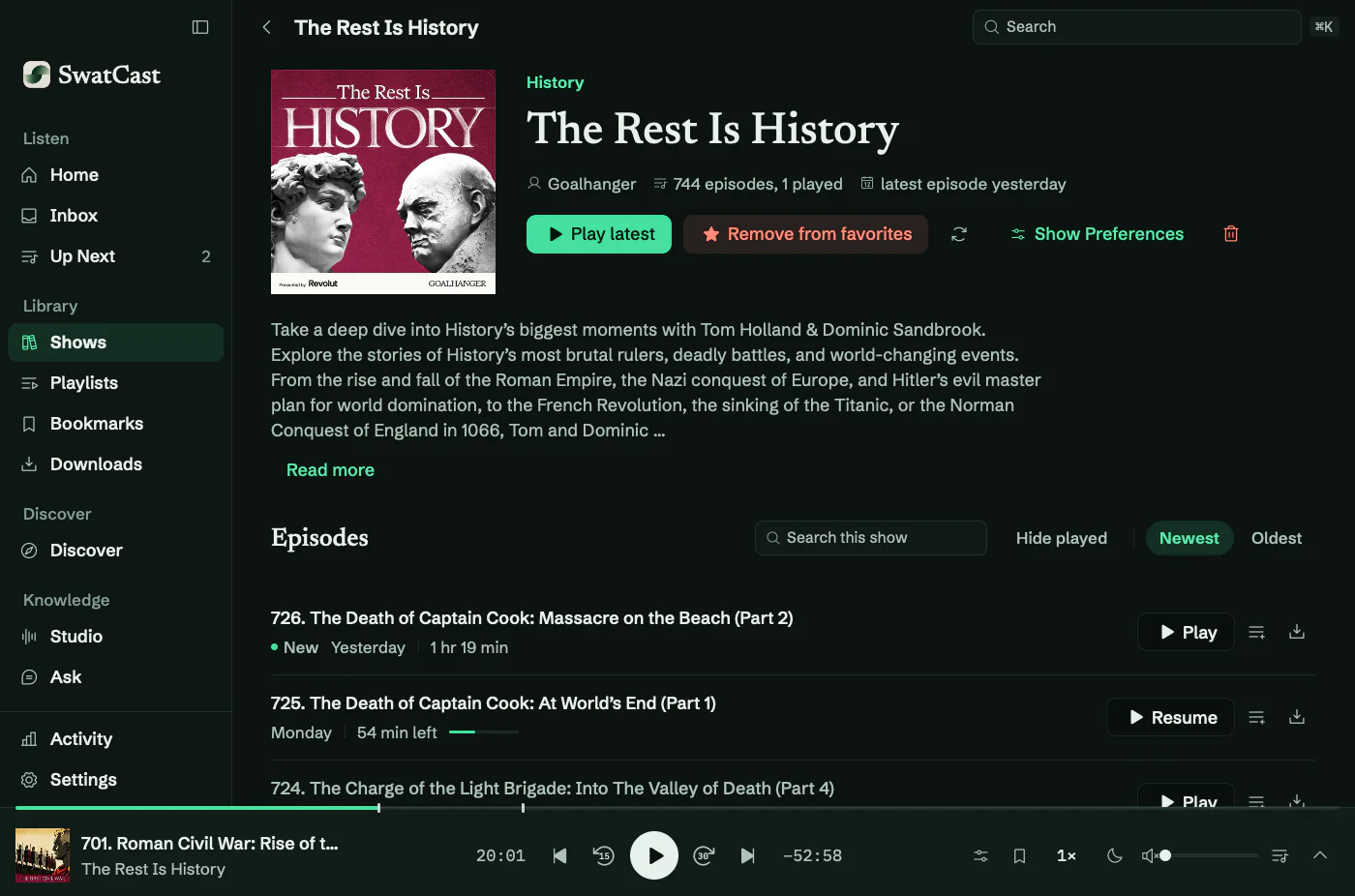
Section titled “Browse a show”Open its artwork or title. From the show page you can:
- Play the latest episode, add the show to your favorites, or refresh its feed. Once it’s a favorite, the same button reads Remove from favorites.
- Sort Newest or Oldest and turn Hide played on or off. Hide played applies to every show page. The header always gives the date of the show’s latest episode, whichever order you pick.
- Search titles, show notes, and stored transcripts. When there are more matches than fit, Show more matches at the end of the results loads them.
- Open Show Preferences for playback and download rules.
Favoriting influences Home suggestions and can enable automatic downloads. Appearance settings control layout and whether play counts appear.
Remove or relink
Section titled “Remove or relink”To unfollow, select the red trash icon on the show page or on its row in Shows. Choose Remove to keep your downloads, or choose Remove and delete downloads when offered. SwatCast keeps your progress, bookmarks, and transcripts.
For imported audio, Remove from Library… leaves the original file on disk. Use Edit Details → Find the file if it moved. See imported audio.